Skip to content
BoloBots

Features

Everything between the brief and the booking.

Each feature exists to remove a step agencies currently do by hand in spreadsheets, WhatsApp threads, and screenshots.
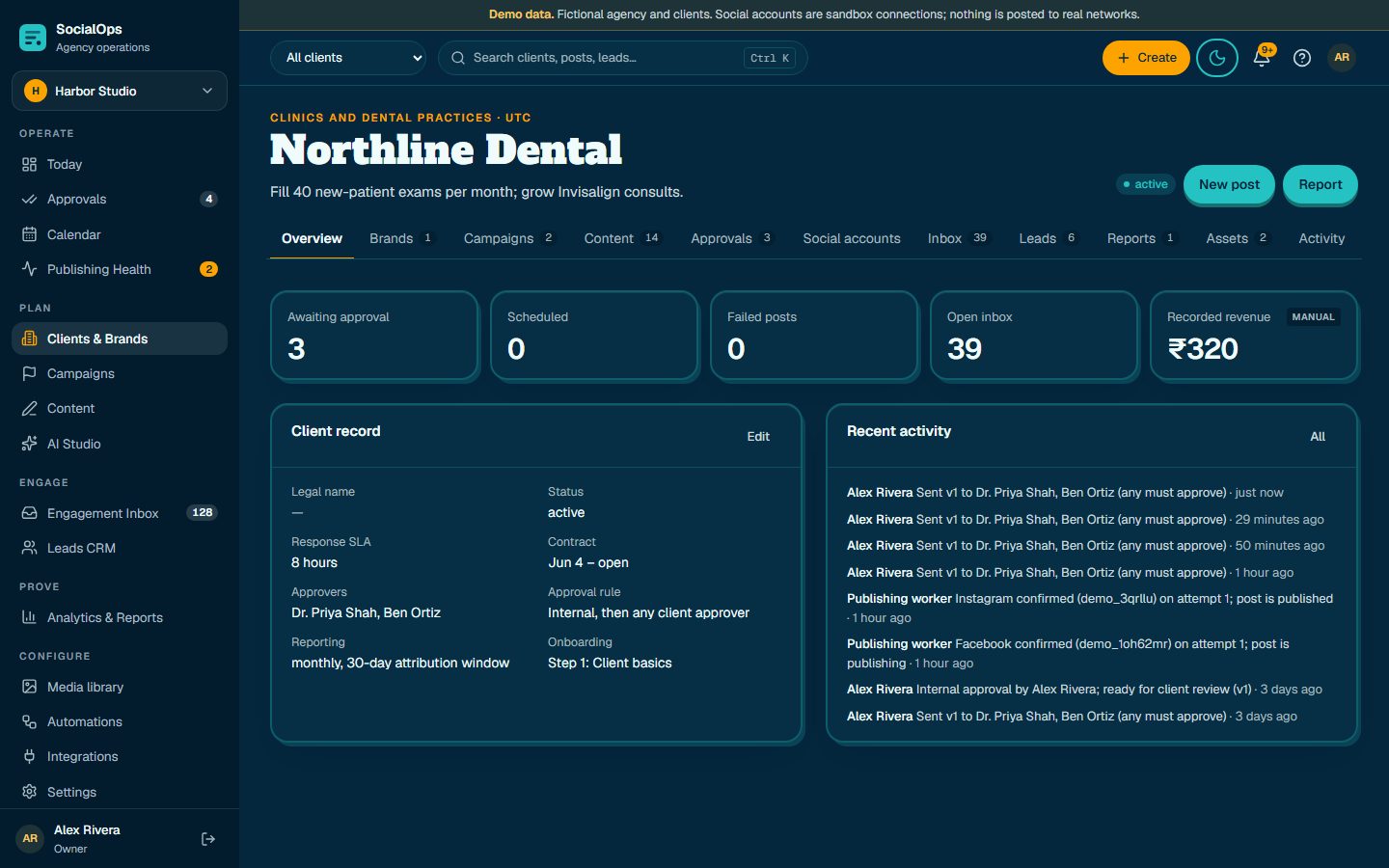
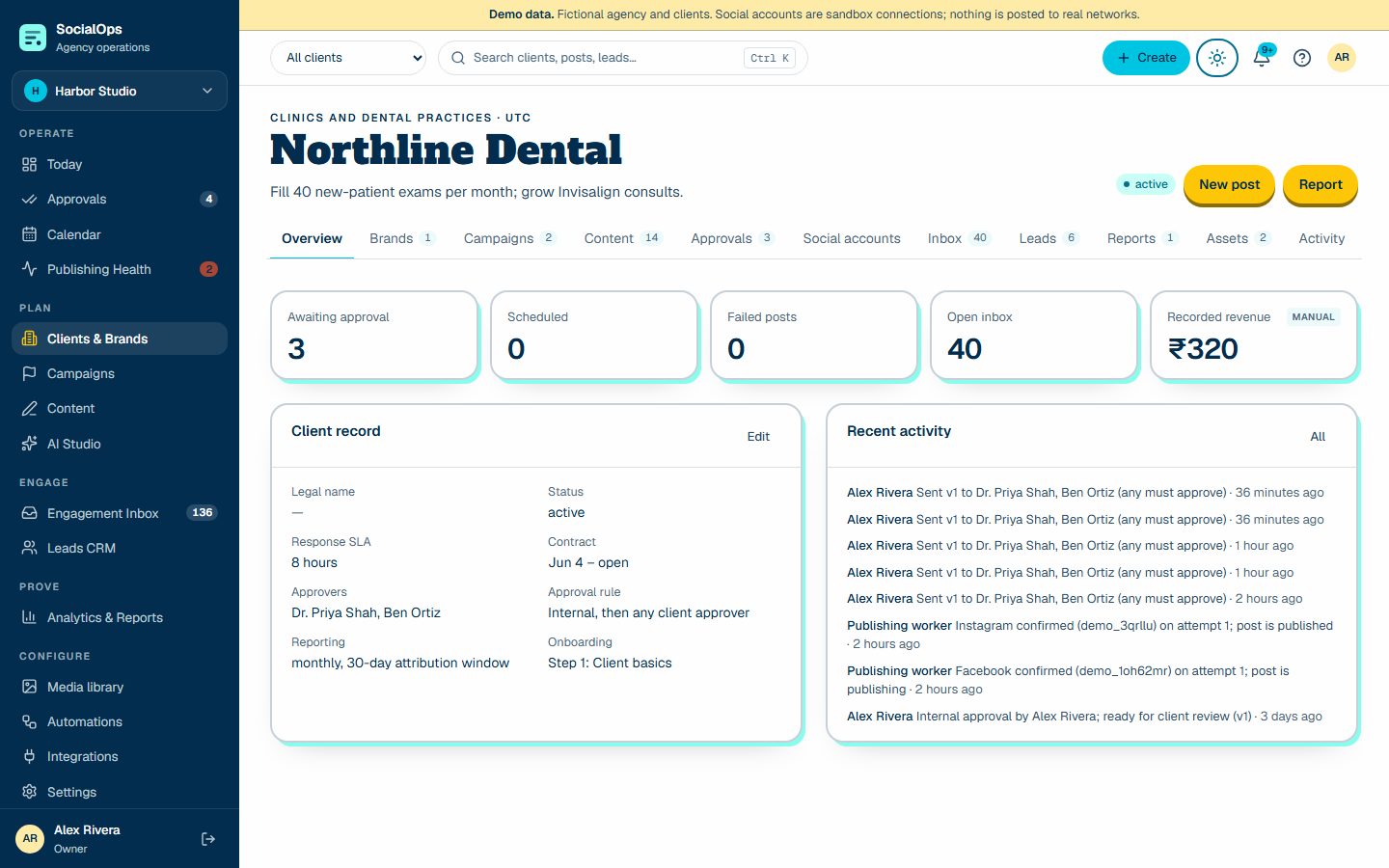
Clients and brand memory

  • Ten-step client onboarding with a revocable intake link the client can fill in
  • Versioned brand rules: voice, approved claims, restricted terms, offers, CTAs, locations
  • Contacts, approvers, SLAs, contract dates, and internal notes the client never sees
Clients and brand memory screenClients and brand memory screen
Clients and brand memory screen (screenshot of the demo workspace with fictional data)

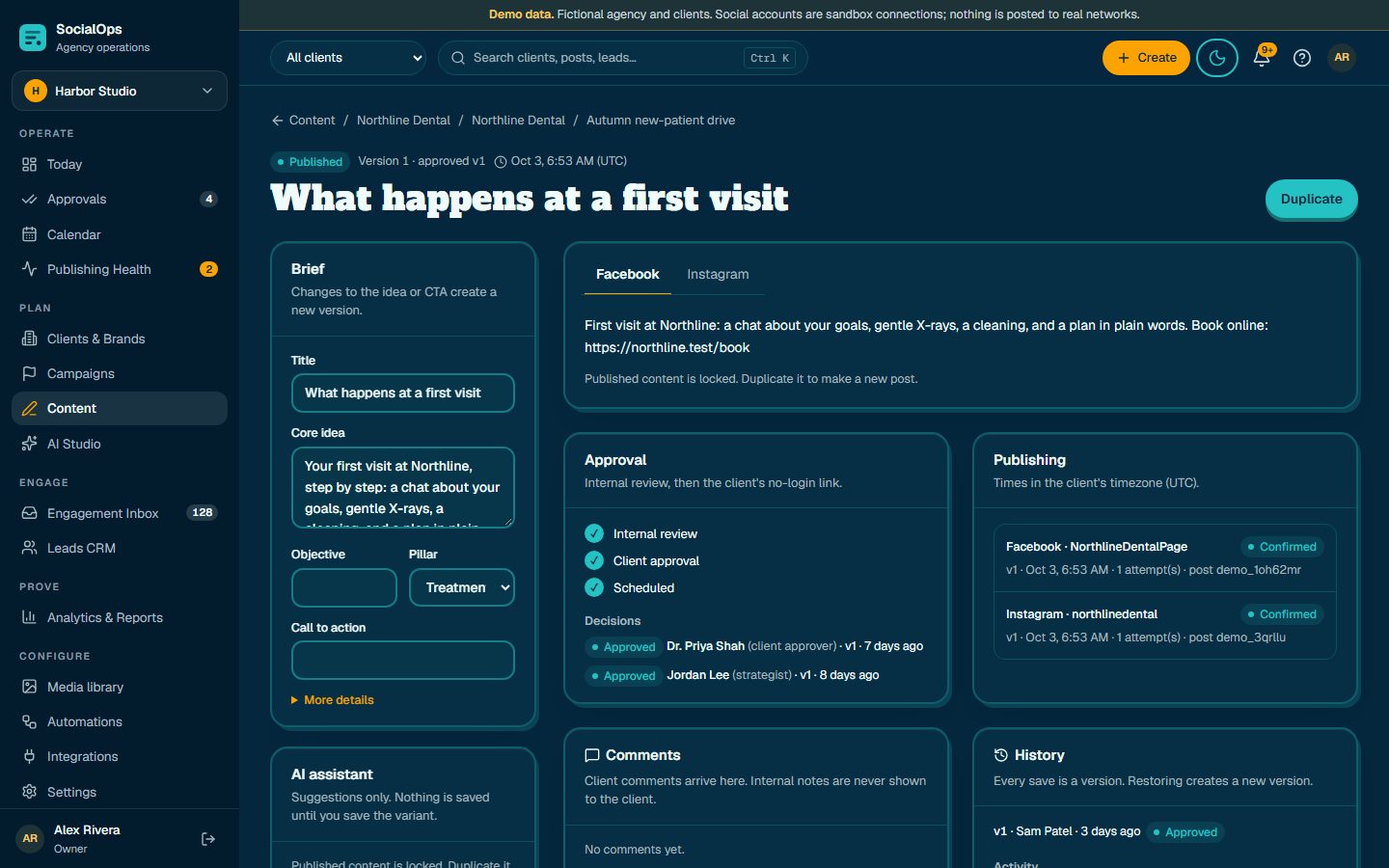
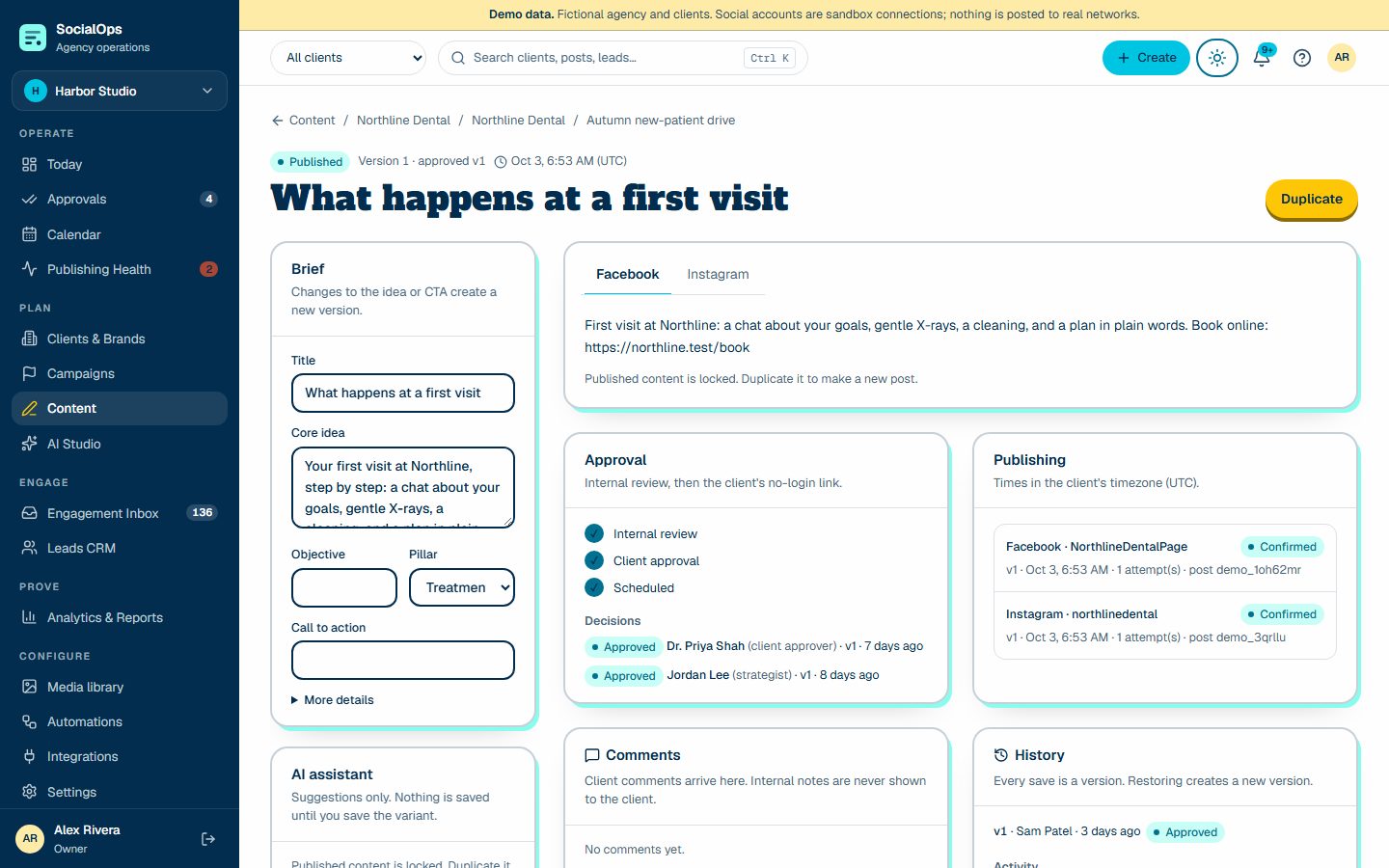
Content and composer

  • One concept, many platform variants — never the same text pasted everywhere
  • Live validation for length, hashtags, media, and alt text; prohibited-term checks
  • Tracked links with UTM builder, version history with restore, undo/redo, safe autosave
Content and composer screenContent and composer screen
Content and composer screen (screenshot of the demo workspace with fictional data)

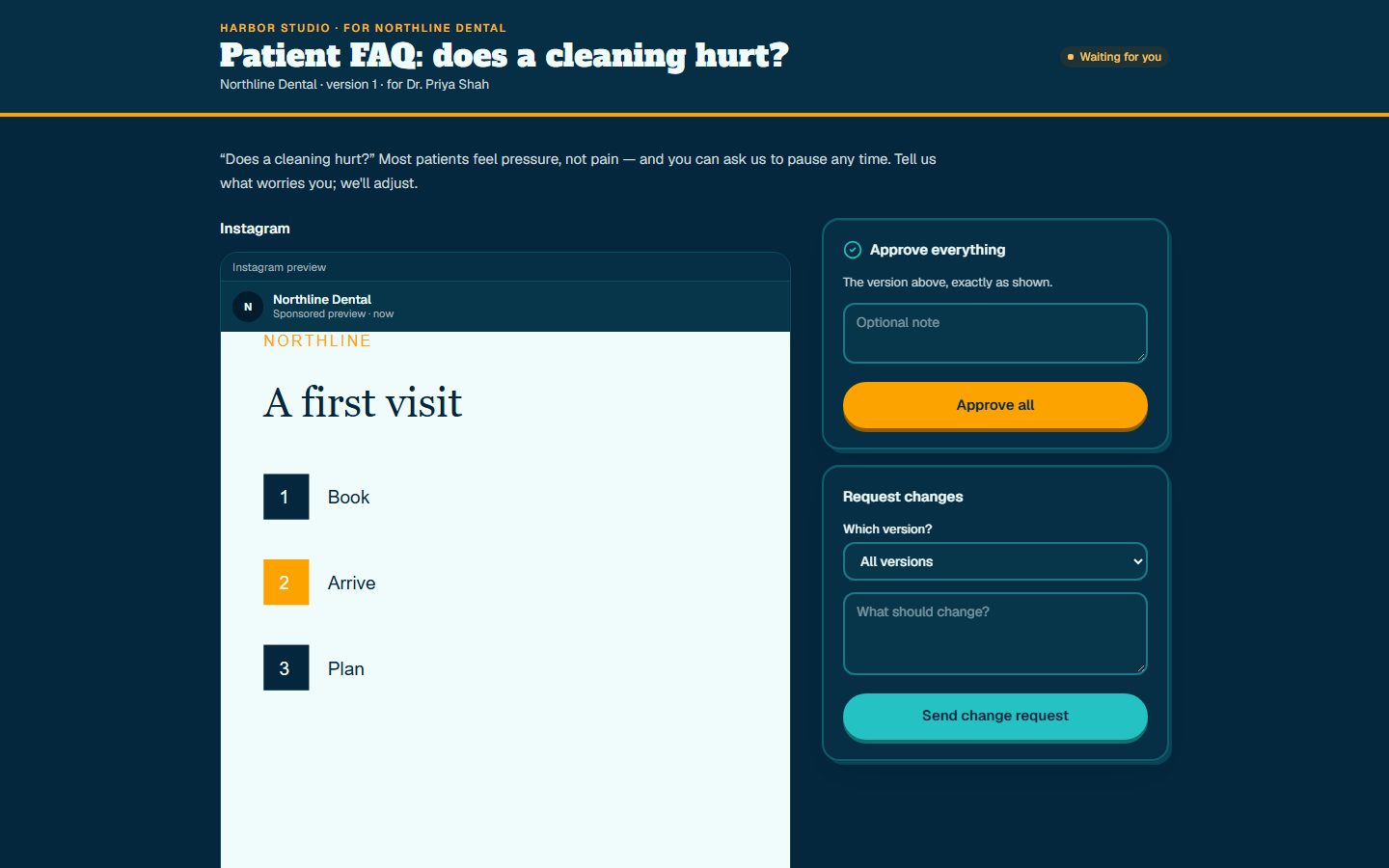
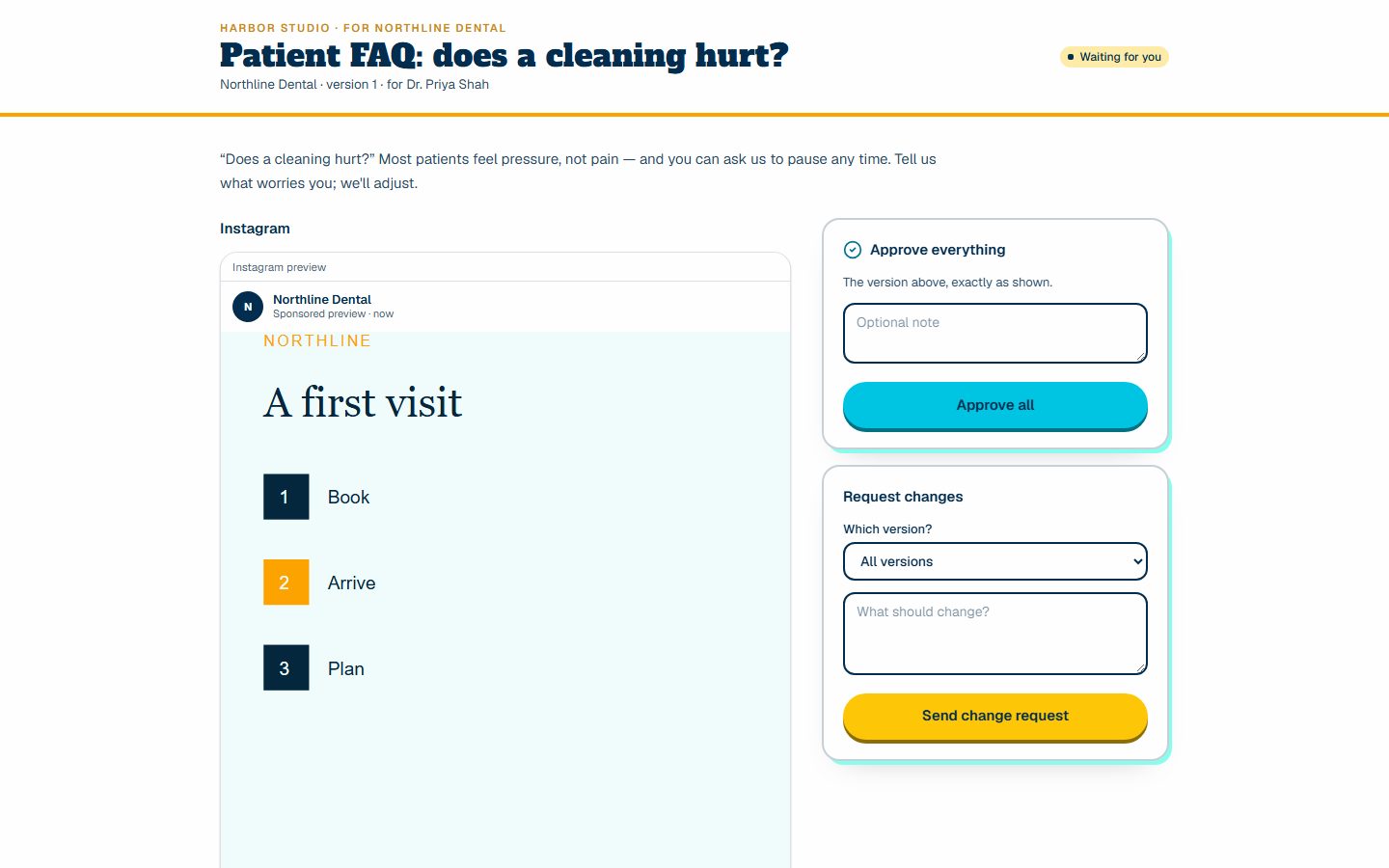
Approvals

  • Internal review then no-login client links (any, all, or a named approver)
  • Approve all, one network, or request changes; comments and receipts
  • Stale approvals are impossible: edits invalidate and cancel unsent schedules
Approvals screenApprovals screen
Approvals screen (screenshot of the demo workspace with fictional data)

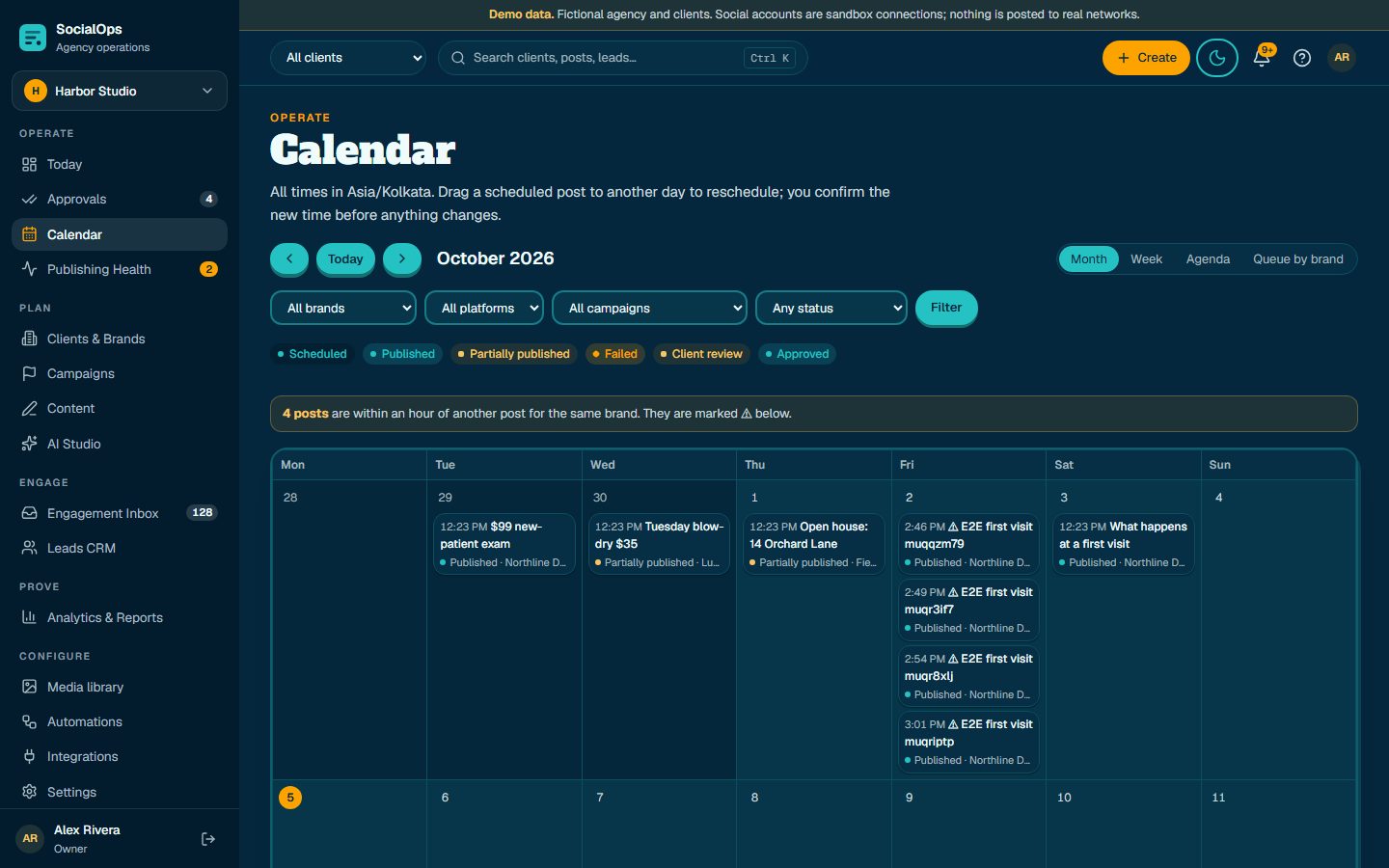
Calendar and publishing

  • Month, week, agenda, and queue-by-brand views in each client's timezone
  • Drag to reschedule with confirmation; bulk shift with preview; conflict warnings
  • Durable worker, idempotent destinations, backoff retries, dead-letter queue
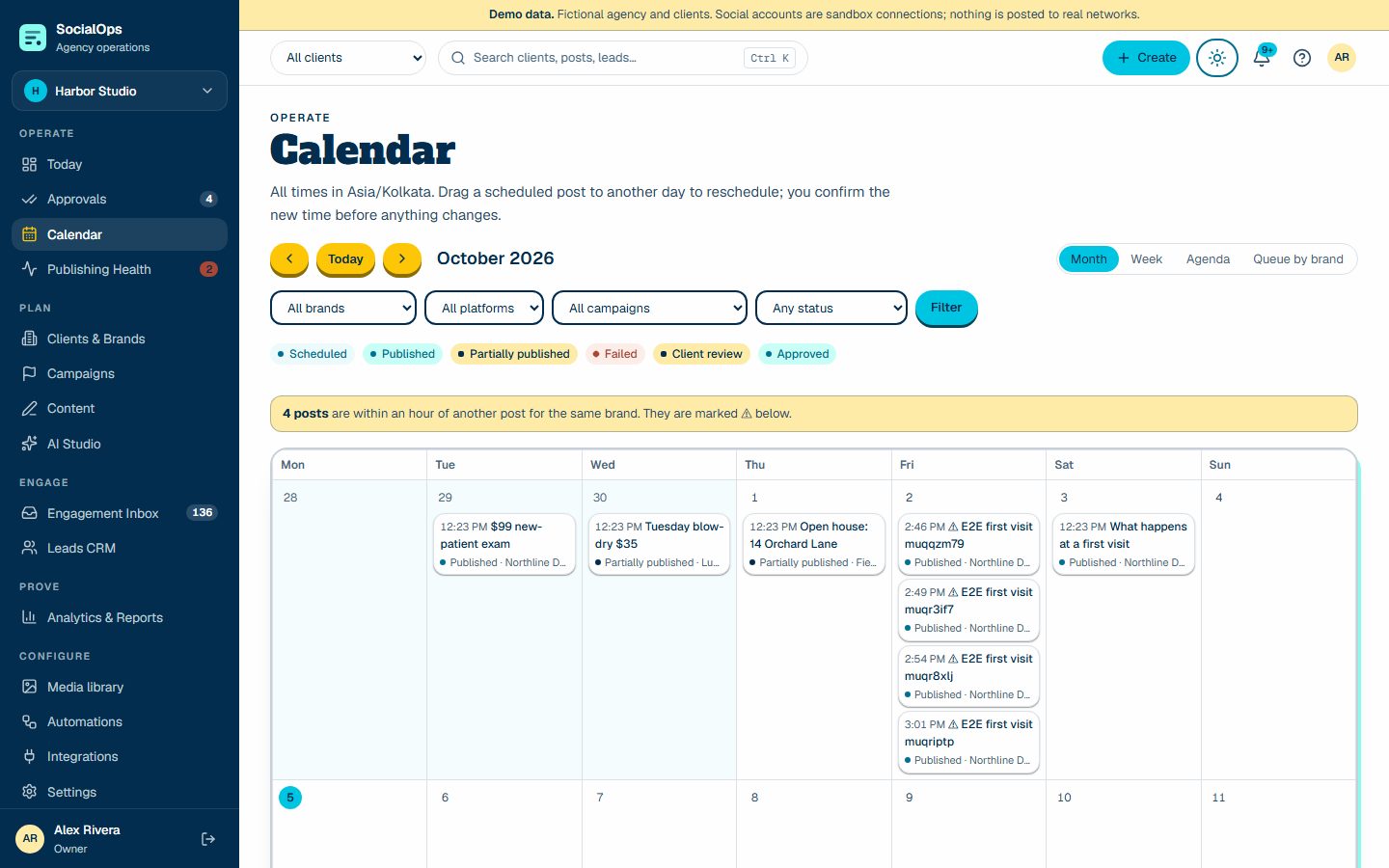
Calendar and publishing screenCalendar and publishing screen
Calendar and publishing screen (screenshot of the demo workspace with fictional data)

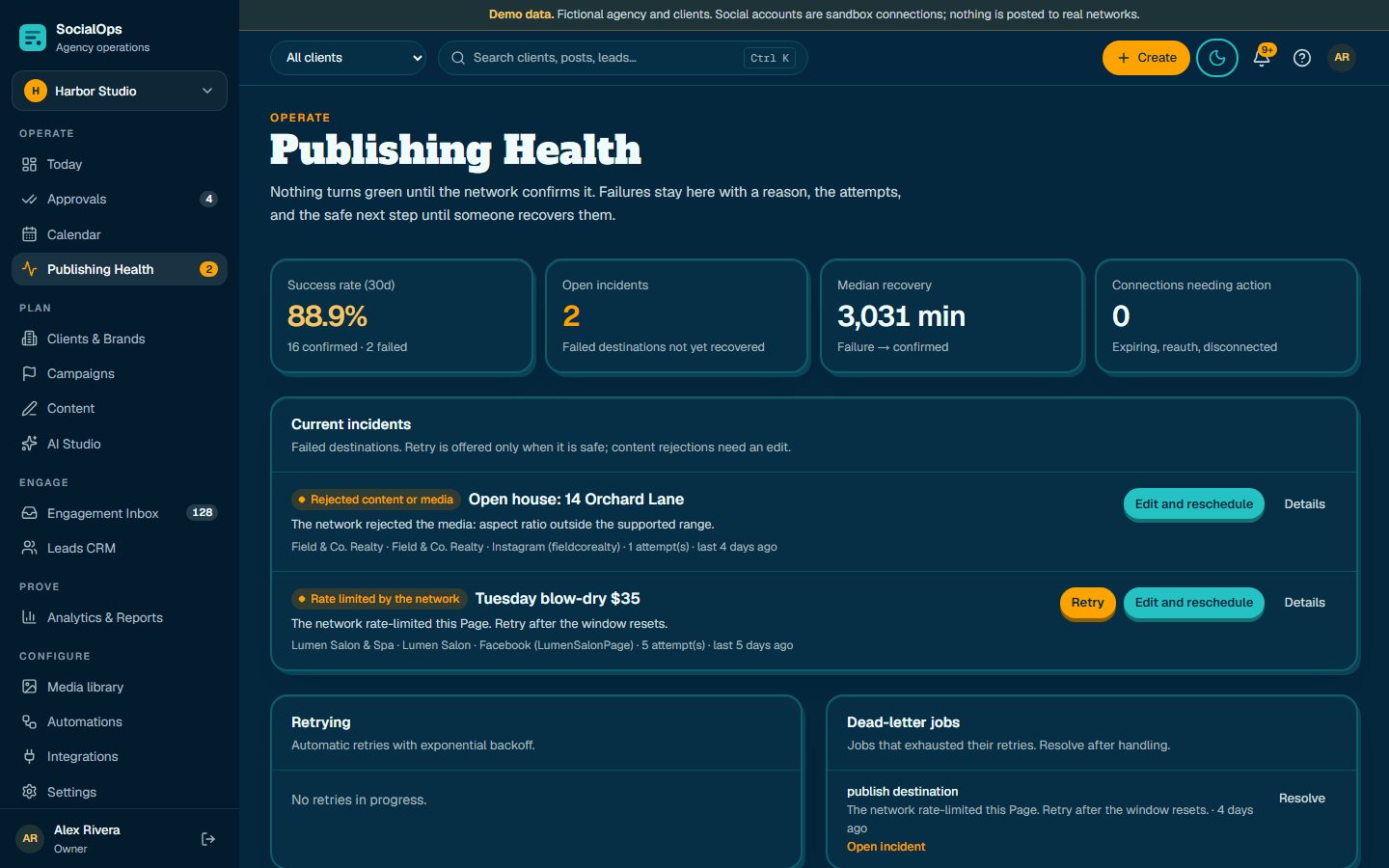
Publishing Health

  • Incidents with human-readable cause, technical code, attempts, and safe next step
  • Token health: refresh before expiry, reauthorization flags, reconnect in one click
  • Partial publishes shown as partial; stuck sends surfaced, never silently resent
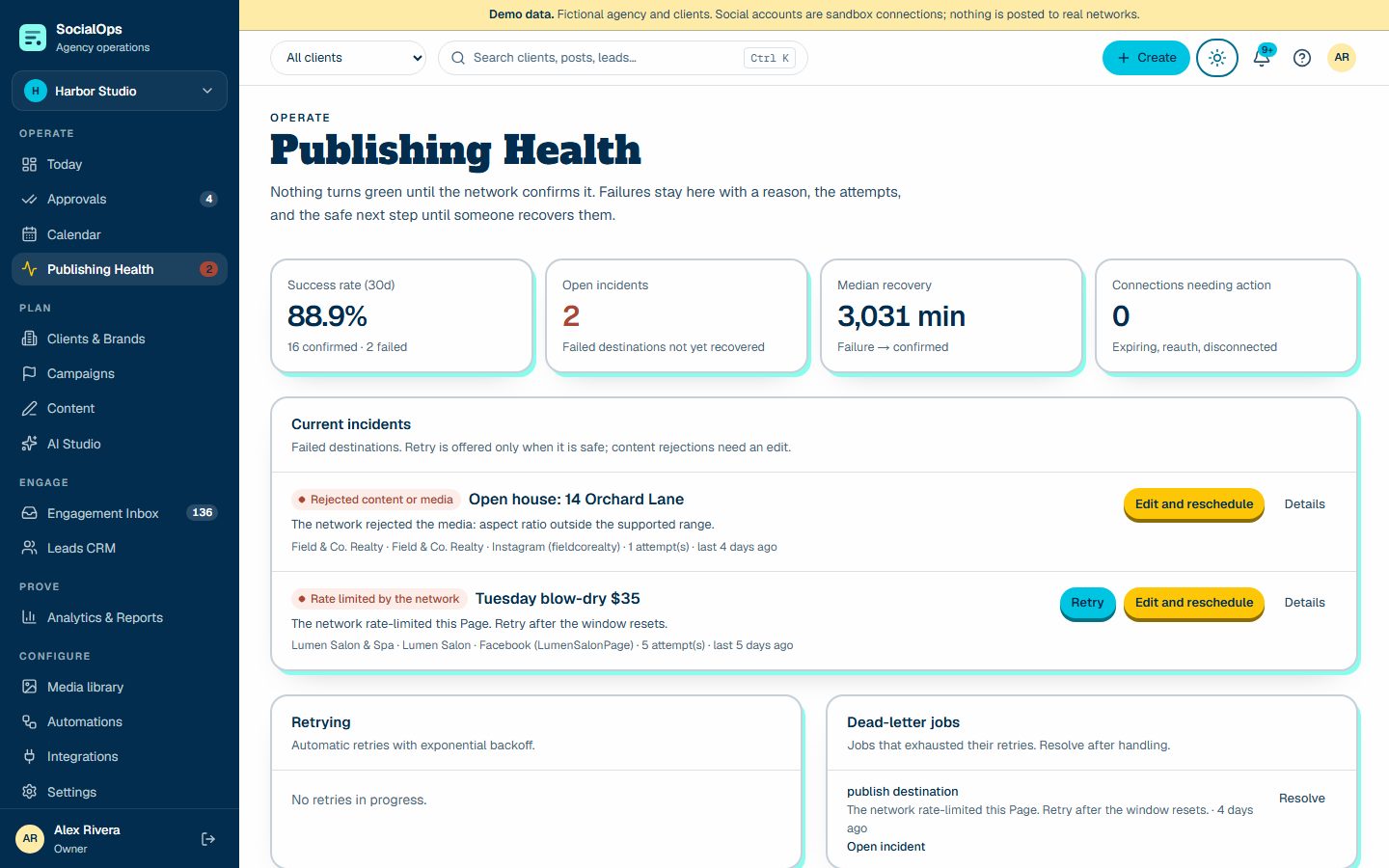
Publishing Health screenPublishing Health screen
Publishing Health screen (screenshot of the demo workspace with fictional data)

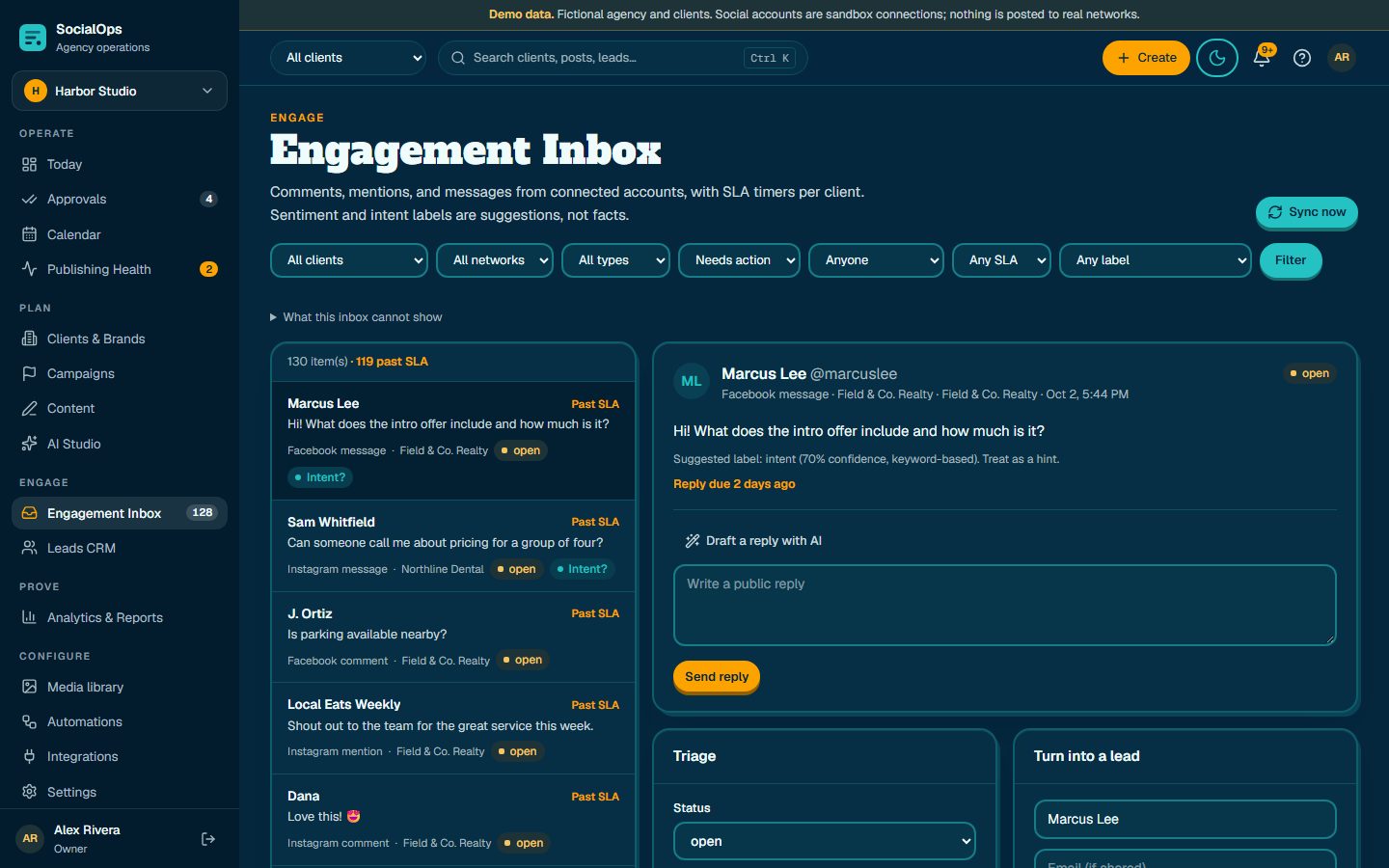
Inbox, leads, and outcomes

  • Comments, mentions, and messages with SLA timers and assignment
  • Convert a conversation into a lead that keeps the source and campaign
  • Pipeline from new to won, follow-up tasks, bookings and recorded revenue
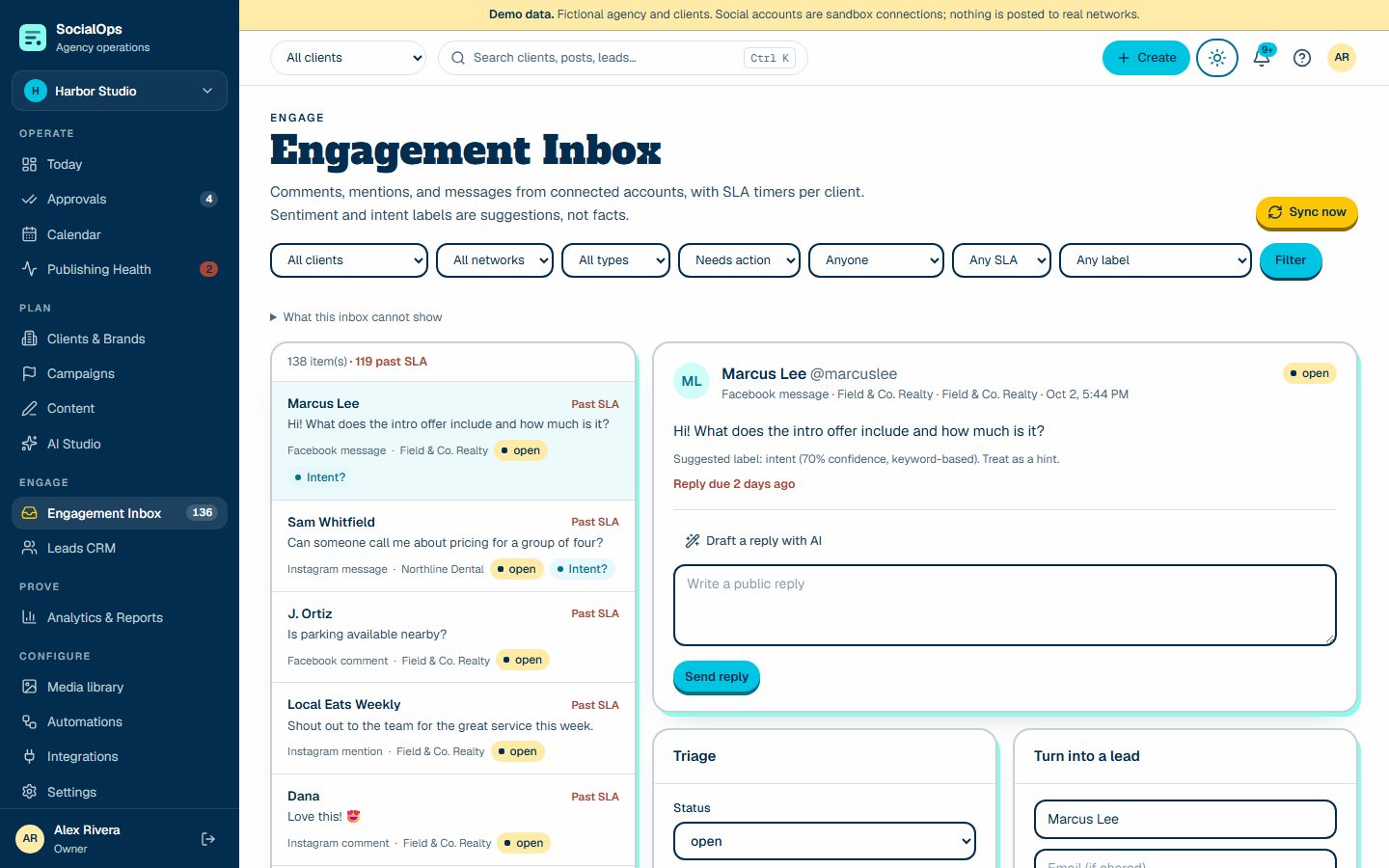
Inbox, leads, and outcomes screenInbox, leads, and outcomes screen
Inbox, leads, and outcomes screen (screenshot of the demo workspace with fictional data)

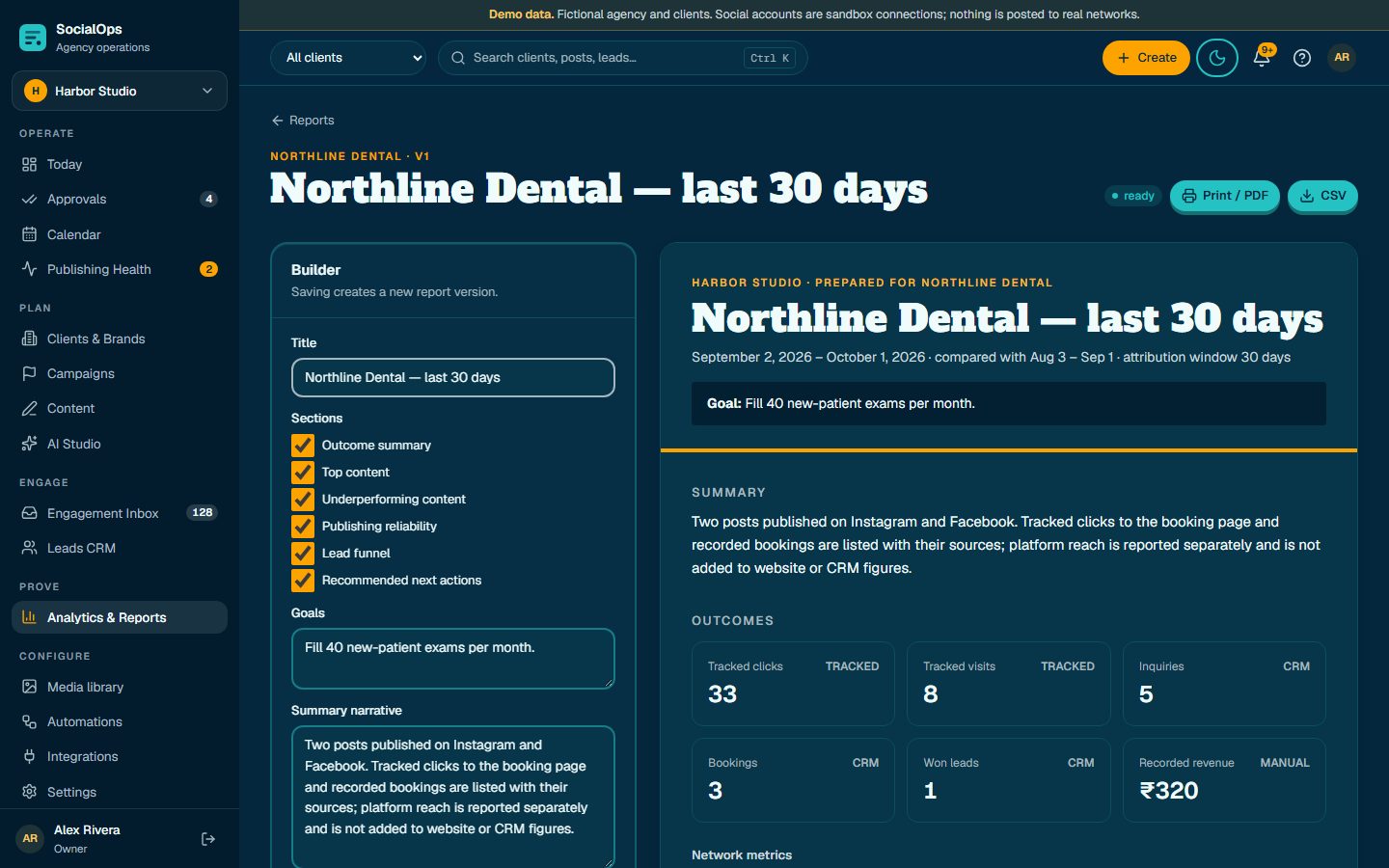
Reports

  • Outcomes, top and underperforming content, reliability, lead funnel, next actions
  • Secure expiring links, print to PDF, CSV export
  • AI narrative drafted only from computed figures; definitions always included
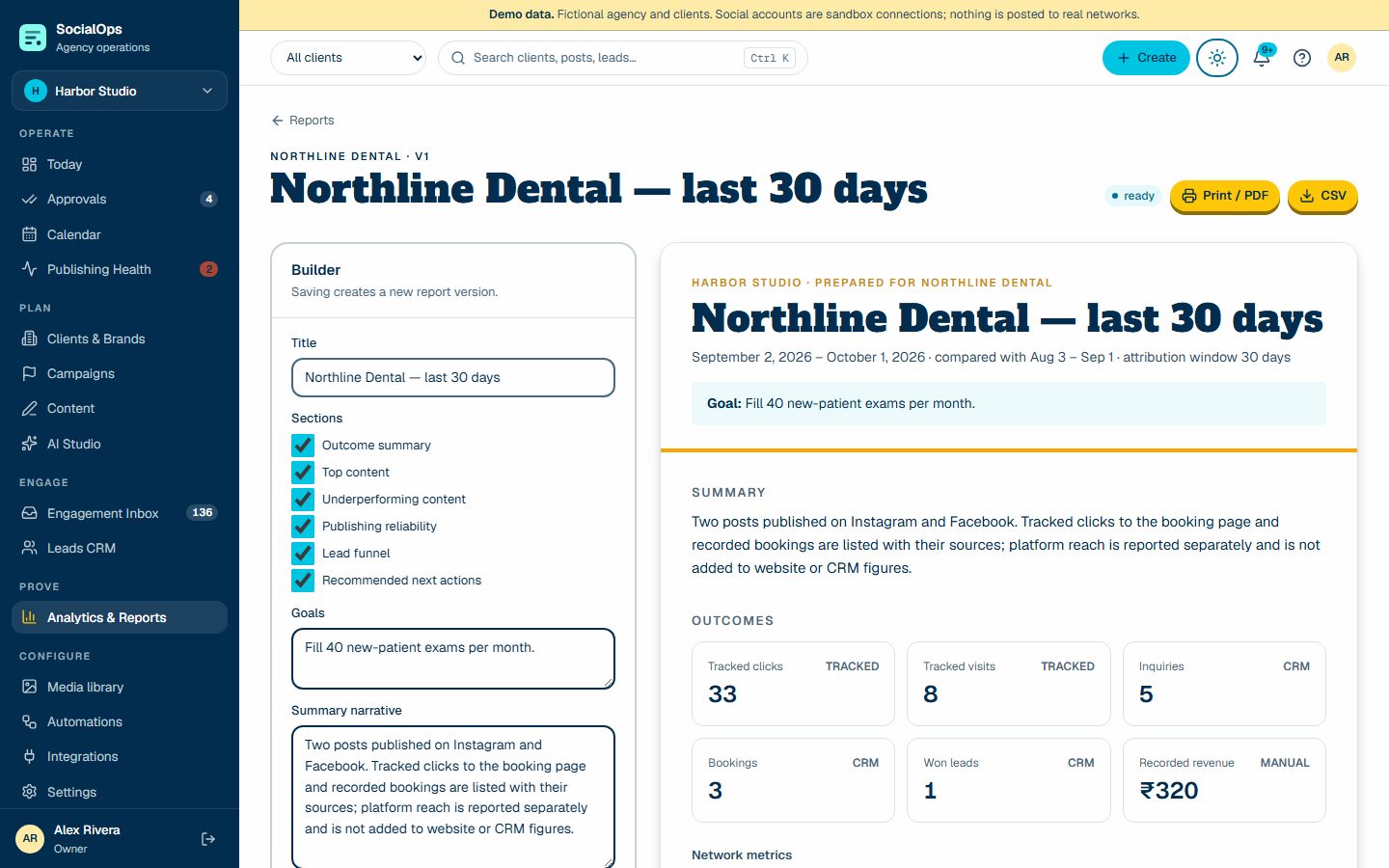
Reports screenReports screen
Reports screen (screenshot of the demo workspace with fictional data)

AI Studio

Versioned prompt recipes using approved brand records. Suggestions only, with usage ledger and budget.

Automations

Approval reminders, escalations, failure alerts, token warnings, auto-assignment — with quiet hours and a kill switch.

White-label portal

Each client sees their approvals, calendar, campaigns, reports, and files — nothing internal.

Media library

Content-verified uploads, folders, tags, focal point, alt text, rights and expiry.

Roles and audit

Nine roles, per-client restriction, and a complete audit log.

API

Scoped, hashed, expiring keys for safe read and draft actions; dry-run by default.