Plan once, post everywhere
One campaign links your Instagram, Facebook, LinkedIn and video posts, so every network gets its own version of the same idea.
For agencies running 5–30 client brands
BoloBots keeps client approval, reliable publishing, inbox-to-lead follow-up, and outcome reports on one record per campaign.
Built for freelance managers and small social teams — not another generic scheduler.
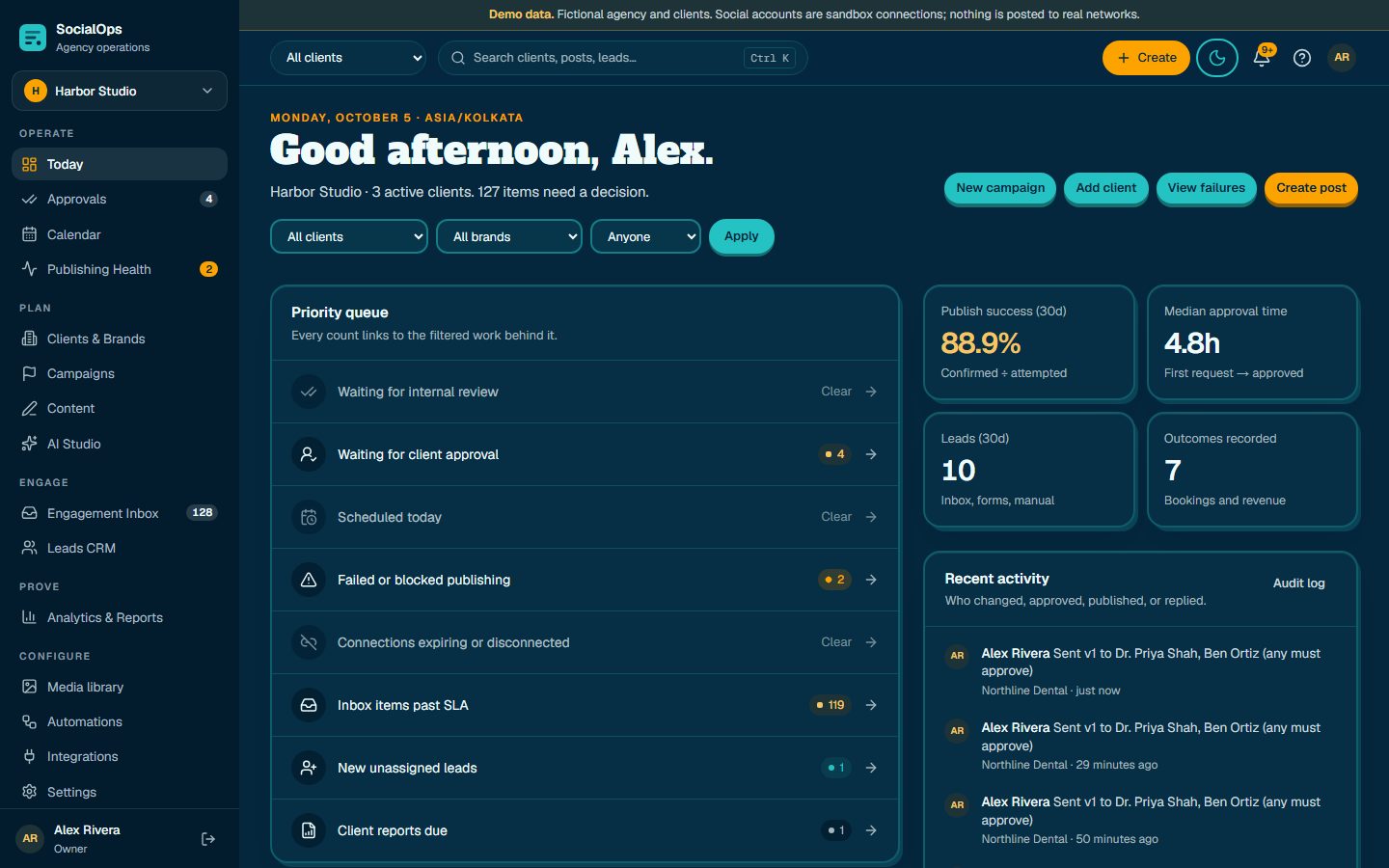
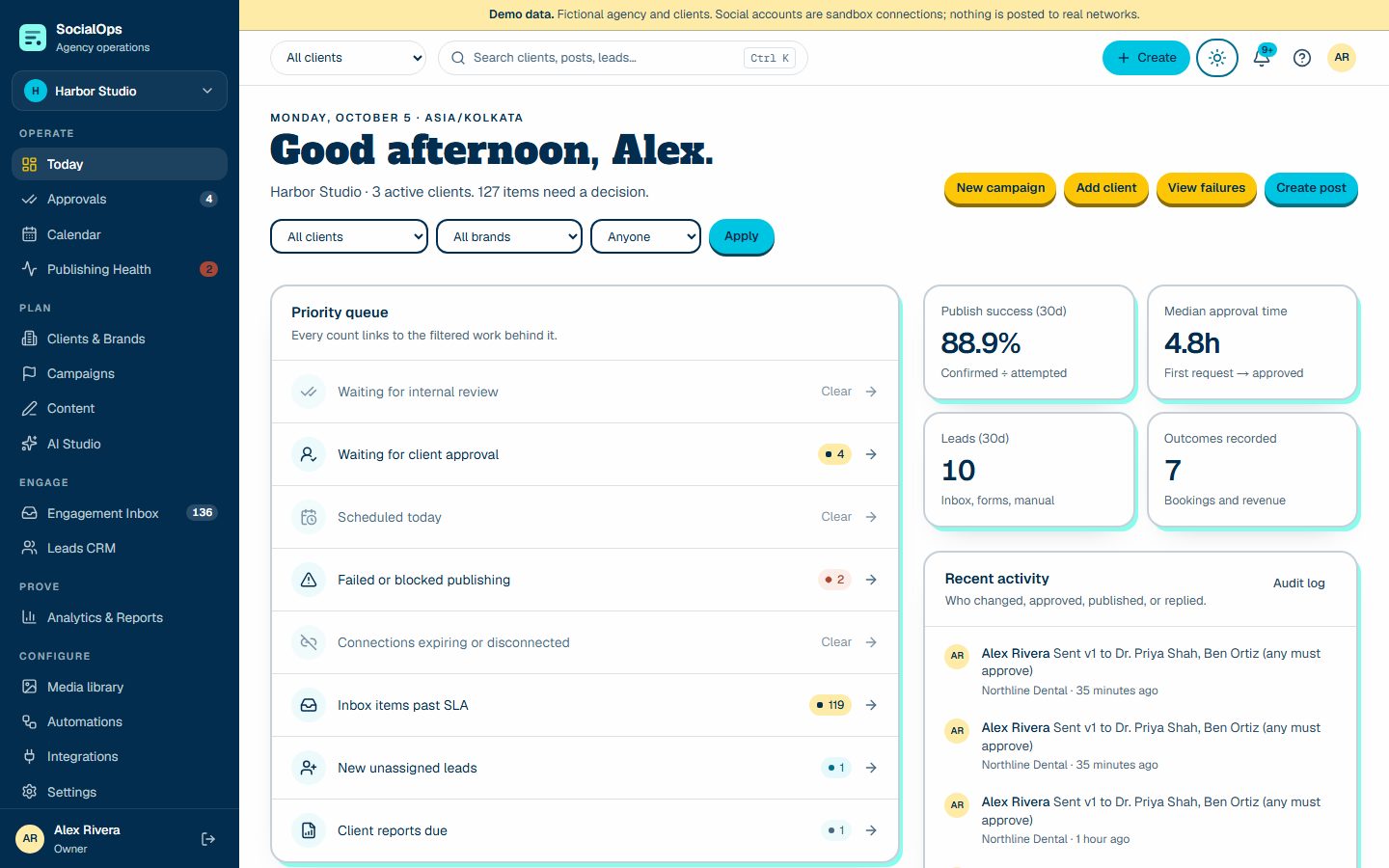
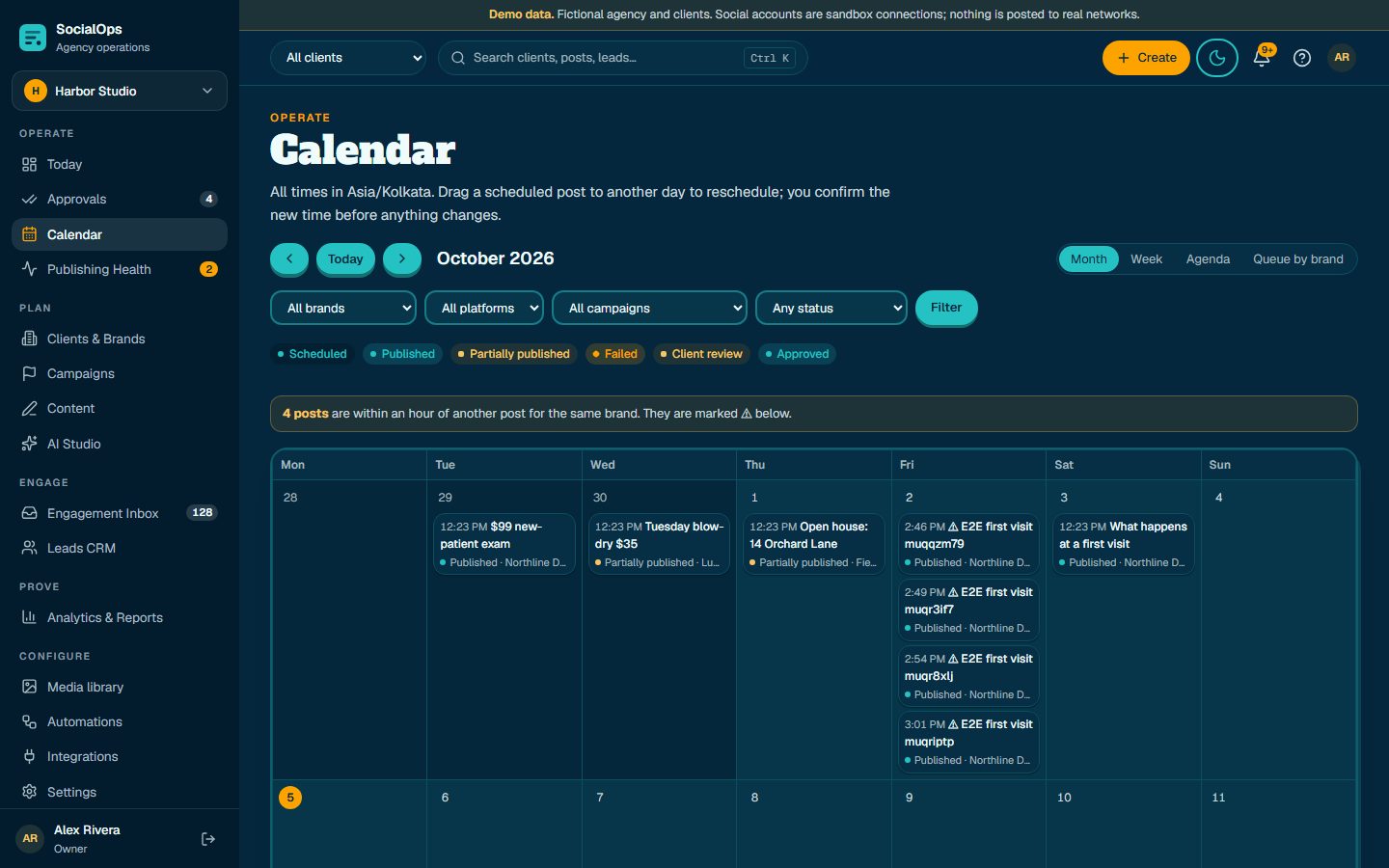
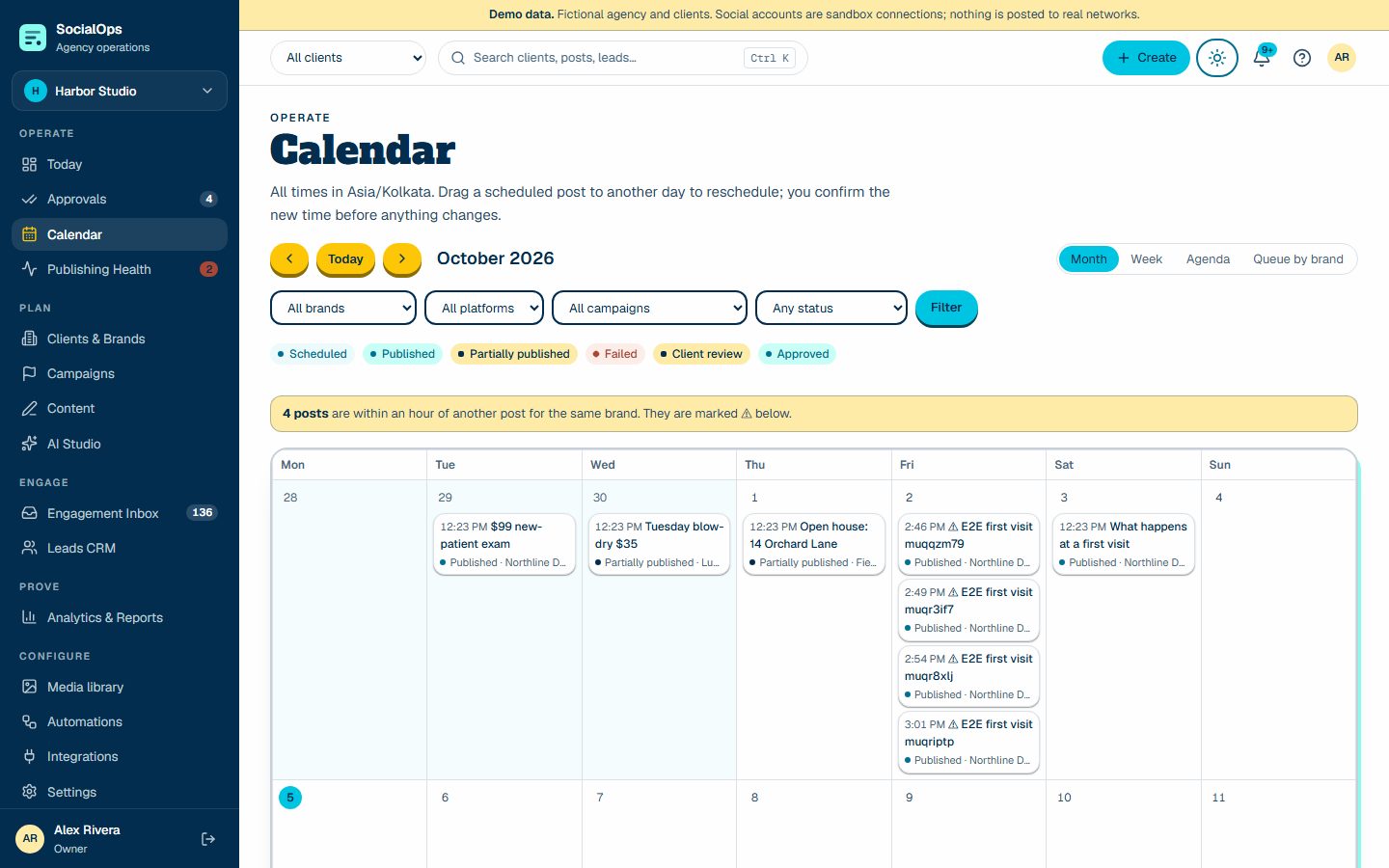
Approve
Client link
Does a cleaning hurt?
Approve allApproved v3
Publish
Publishing
Prove
Last 30 days
7
Bookings
42
Clicks
How it feels to run social with BoloBots
One campaign links your Instagram, Facebook, LinkedIn and video posts, so every network gets its own version of the same idea.
They check the exact post on their phone and approve or ask for a change. Nothing goes live without a yes.
The scheduler publishes on time, retries network hiccups, and raises a flag only when someone needs to act.
Comments become leads, leads become bookings, and the monthly report shows the rupees — not just the reach.
01
The client said yes on WhatsApp — to which version? Nobody can point to it, and the crop in the deck changed since.
02
The calendar says published. The token expired three days ago and the post never went out.
03
A comment asks for a booking. It sits in a phone notification and later gets counted as “engagement”.
04
The owner asks what the month produced. The deck answers with reach because bookings were never attached to the work.
One campaign, end to end
One post, one path: every stage, every approval, and every exception on a single map. Scroll to follow it.
01 · Brief
Offer, audience, restricted claims, approvers, and goals live on the brand. The campaign brief is versioned, and AI can turn it into a draft plan you edit.
See how brief works02 · Create
Each platform gets its own copy, media, alt text, and tracked link, checked live against the network's limits and the brand's prohibited terms.
See how create works03 · Approve
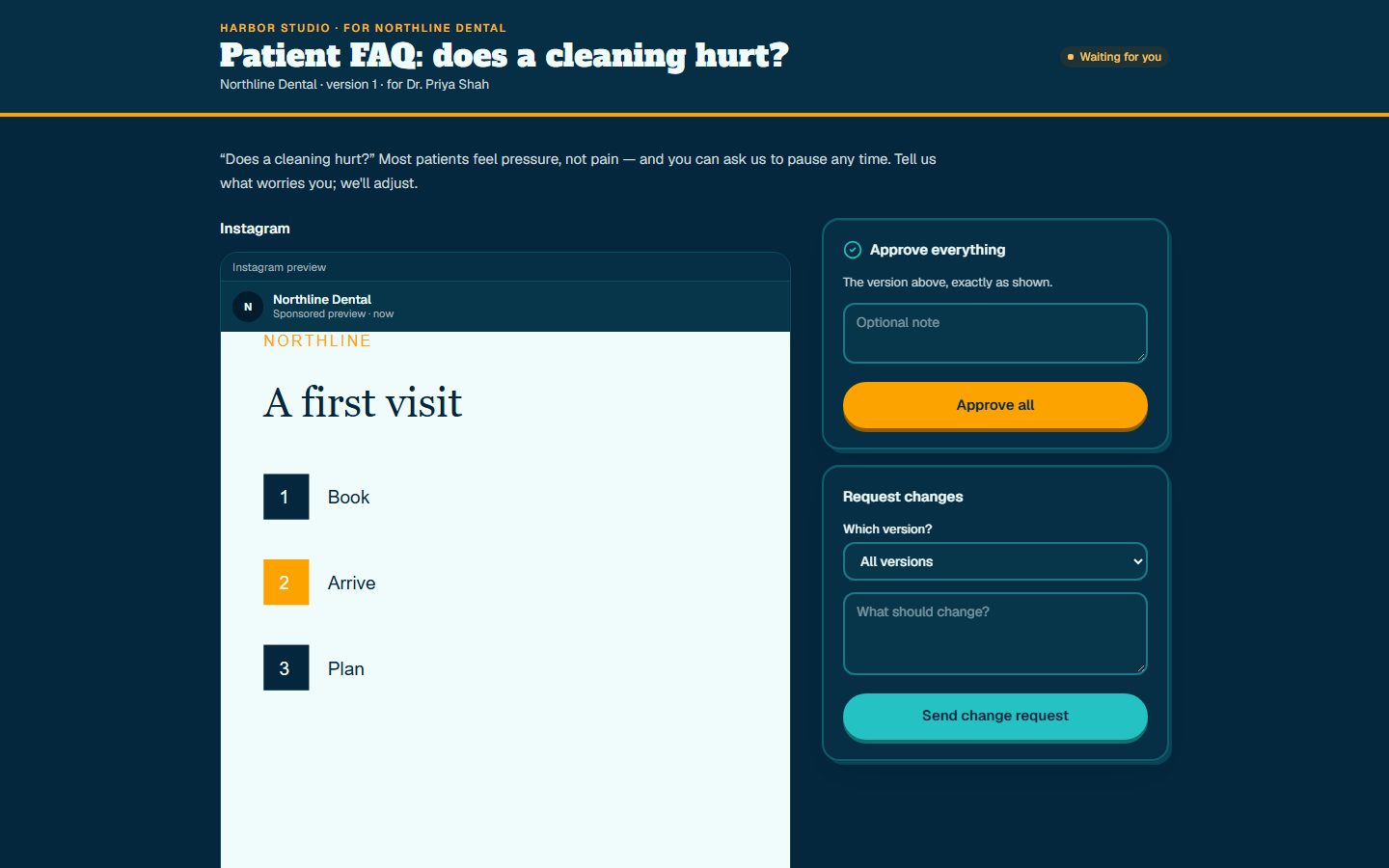
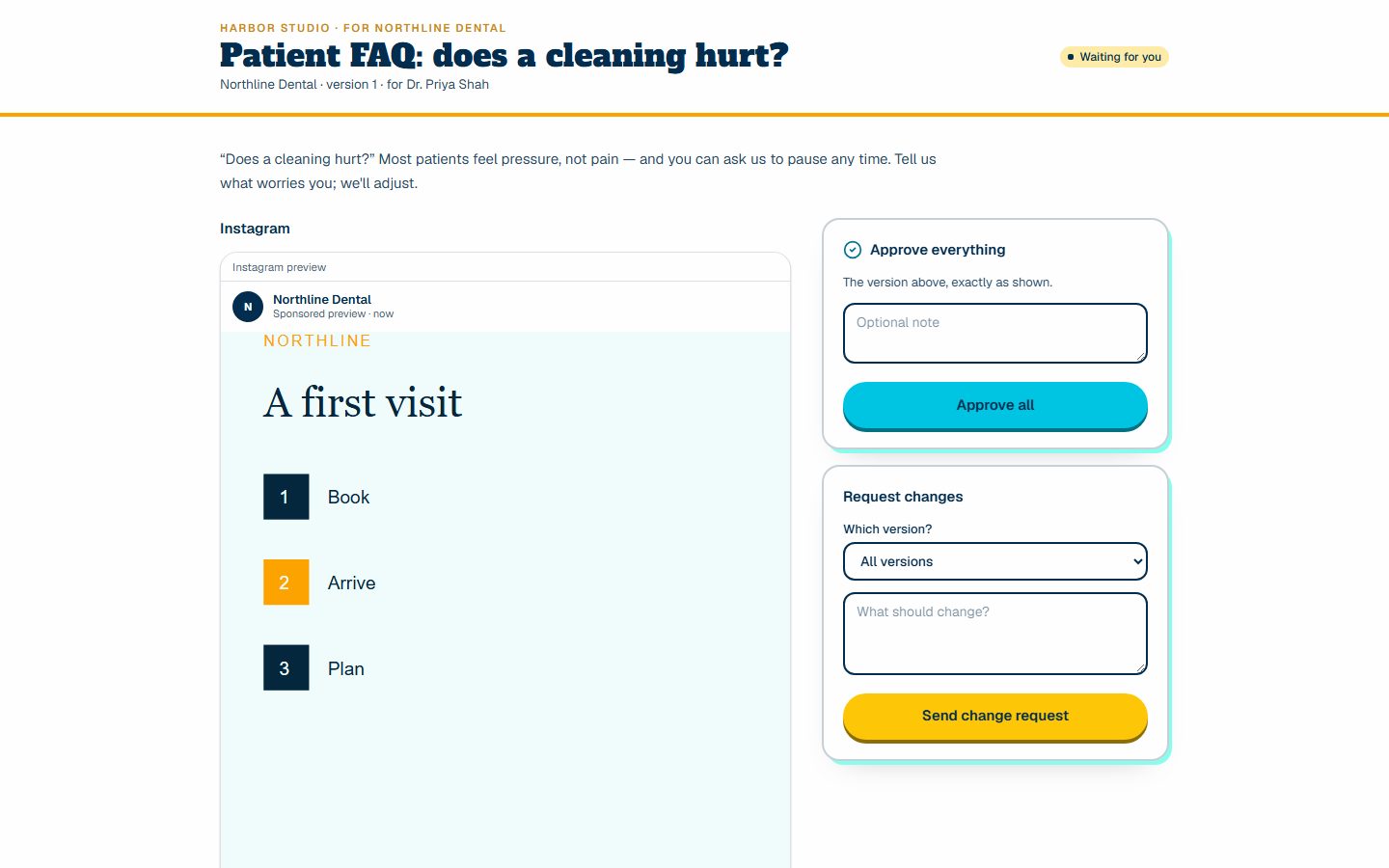
No client login. Approve all, approve one network, or request changes. Edit after approval and the old approval stops counting — automatically.
See how approve works04 · Publish
A worker sends each destination with an idempotency key, retries temporary errors with backoff, and never sends a version that wasn't approved.
See how publish works05 · Respond
Comments and messages land in one inbox with SLA timers per client. Reply, assign, or convert to a lead that keeps the source conversation.
See how respond works06 · Prove
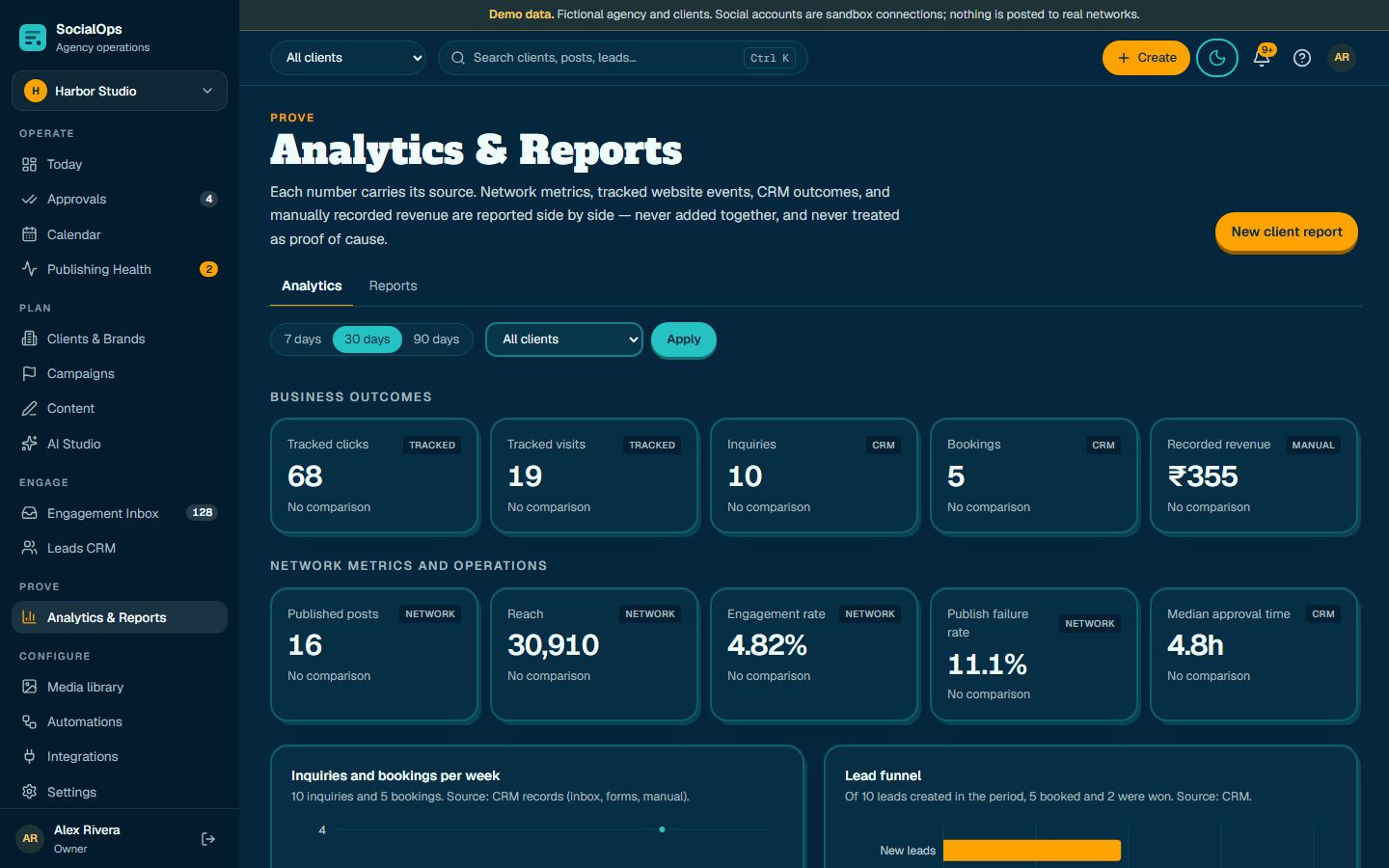
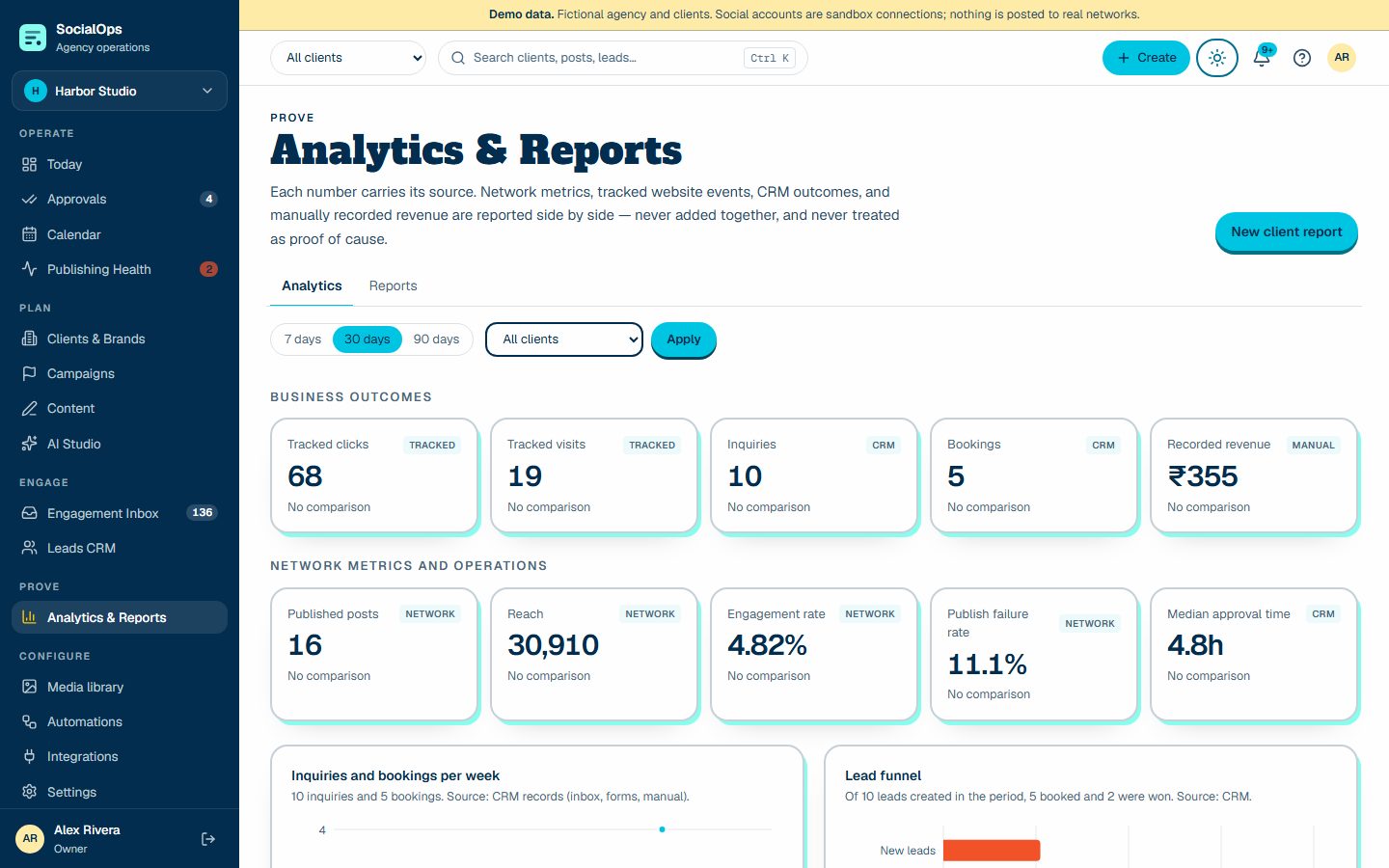
Tracked visits, inquiries, bookings, and recorded revenue sit beside network metrics — each labeled with its source and definition.
See how prove worksClient approval
Publishing reliability
Outcome reporting
Signed tracked links, website form events, CRM outcomes, and revenue your team records sit beside network metrics. They are never added together, and reports state the attribution window and definitions.
Agency operations
Brand memory with approved claims, restricted terms, offers, and voice — versioned.
Owner to read-only, plus per-client restriction enforced in the database.
Who approved, scheduled, published, replied, or exported — with timestamps.
Each client sees only their approvals, calendar, reports, and files.
Integrations, labeled honestly
Instagram Professional
Requires provider reviewAdapter interface ready. Needs Meta app credentials and review.
Sandbox available now for workflow testing
Facebook Pages
Requires provider reviewAdapter interface ready. Needs Meta app credentials and review.
Sandbox available now for workflow testing
Needs LinkedIn Community Management API approval.
Sandbox available now for workflow testing
X
PlannedPlanned after API cost review.
TikTok
PlannedPlanned after content posting API review.
YouTube
PlannedPlanned.
Planned.
Threads
PlannedPlanned.
Starter templates
New-patient offers, treatment explainers, and enquiries qualified on WhatsApp before your front desk calls back.
Pillars: New patient offer · Treatment explainer · Doctor spotlight
Service menus, stylist spotlights, and booking asks tied to a real offer.
Pillars: Service spotlight · Before and after · Seasonal offer
Project walkthroughs, site-visit offers, and buyers qualified by budget, BHK and timeline.
Pillars: New project · Site visit offer · Location advantage
Project reveals, budget explainers, and enquiries qualified by size, budget and possession date.
Pillars: Project reveal · Budget breakdown · Material guide
Batch announcements, topper stories with consent, and parent or student enquiries qualified by course and class.
Pillars: New batch · Result story · Faculty spotlight
Trial offers, trainer spotlights, and members qualified by goal, area and start date.
Pillars: Free trial · Trainer spotlight · Member routine
Dish of the week, party bookings, and offers with a clear end date.
Pillars: Dish of the week · Party booking · Behind the kitchen
Product explainers, factory walkthroughs, and enquiries qualified by company, role and quantity.
Pillars: Product explainer · Factory walkthrough · Client case
New arrivals, festive offers, and WhatsApp orders qualified by product, size and city.
Pillars: New arrival · Festive offer · Styling idea
Package reels, stay walkthroughs, and enquiries qualified by destination, dates and group size.
Pillars: Package of the week · Stay walkthrough · Traveller story
Real event reels, package explainers, and enquiries qualified by date, guests and budget.
Pillars: Event reel · Package explainer · Vendor spotlight
Intro offers that wait for client approval and record whether a conversation became a booking.
Pillars: Framework post · Client story · Discovery call offer
One brand voice across locations, a local approver, and a report the owner can read.
Pillars: Service explainer · Local proof · Seasonal reminder
Security and data protection
Every tenant query runs under a restricted Postgres role with row-level security, so one agency can never read another's records — even if a query forgets a filter.
Access and refresh tokens are sealed with AES-256-GCM, never sent to the browser, and deleted on disconnect.
Approval, portal, intake, and report links are opaque, hashed at rest, expire on schedule, and can be revoked at any time.
Approvals, schedule changes, publishes, replies, exports, and settings changes are logged with actor, time, and correlation ID.
Nine organization roles and optional per-client restriction. API keys are scoped, hashed, expiring, and start in dry-run mode.
No compliance certification is claimed. We publish our data map, threat model, and incident process instead.
Pricing
You run the business and post yourself. No approval step.
from ₹999 /month + GST
Staff prepare, the owner approves. Your own brands.
from ₹4,999 /month + GST
Every client brand gets the Daily Pack.
from ₹2,499 per brand /month + GST
Scheduling is one step. The product is built around the whole client operation: brief, approval, reliable publishing, inbox-to-lead, and an outcome report — with the evidence kept on one record.
No. Each approver gets a private, expiring link. They can approve everything, approve one network, or request changes, and you get a receipt with the version they saw.
Instagram, Facebook Pages, and LinkedIn run through sandbox adapters that follow each network's rules without posting anywhere. Live publishing turns on per network once that network approves the app. The Integrations page shows the exact status — we never label a network live before it is.
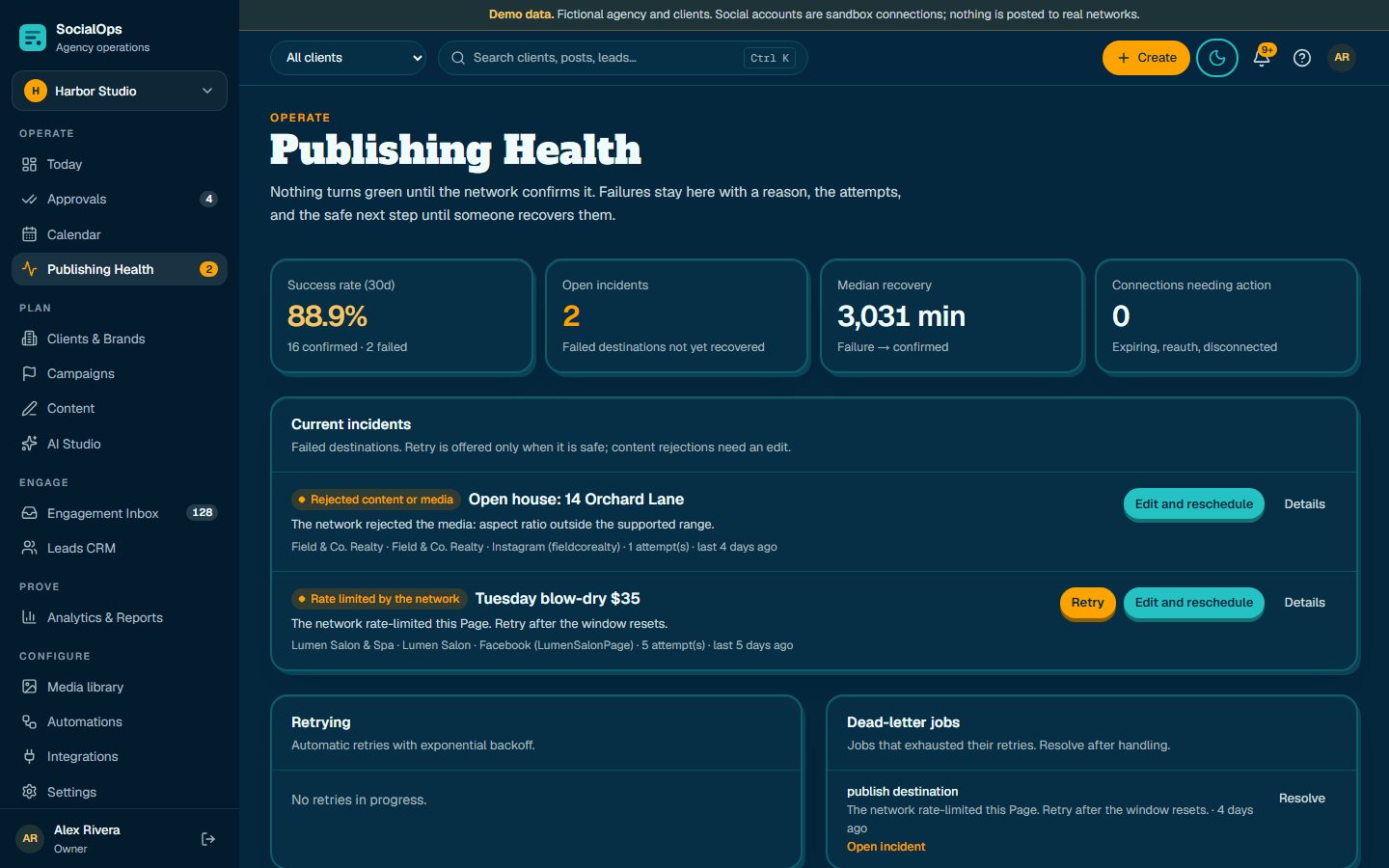
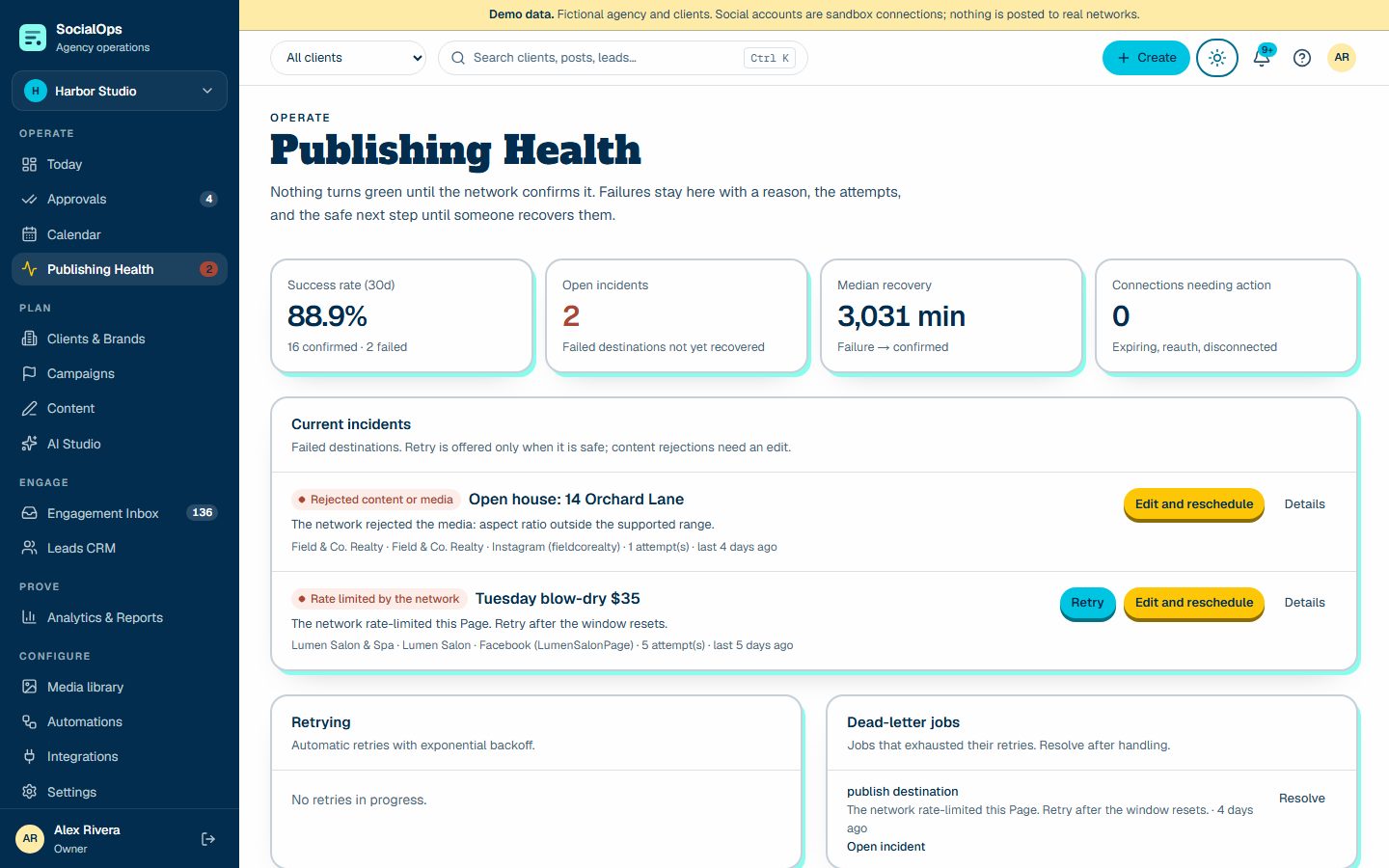
It stays visible in Publishing Health with the reason, the attempts, and the safe next step: reconnect, retry, or edit and reschedule. Temporary errors retry automatically with backoff.
No. AI drafts variants, plans, replies, and report narratives as suggestions you accept, edit, or reject. Scheduling, publishing, and client messages always need a person.
It shows association, not causation. Tracked visits, form inquiries, CRM outcomes, and recorded revenue are reported with their source and attribution window, never blended into one inflated number.
For marketing and lead follow-up, yes. It does not store diagnoses, treatment records, or clinical history, and it is not marketed as HIPAA or GDPR certified.
Set up your agency, add a client, and send your first no-login approval in under fifteen minutes — or load the guided demo and explore.